Add a game
Search the catalog, paste a Steam app ID, or define your own profile. Vaerune handles the rest.
Catalog search
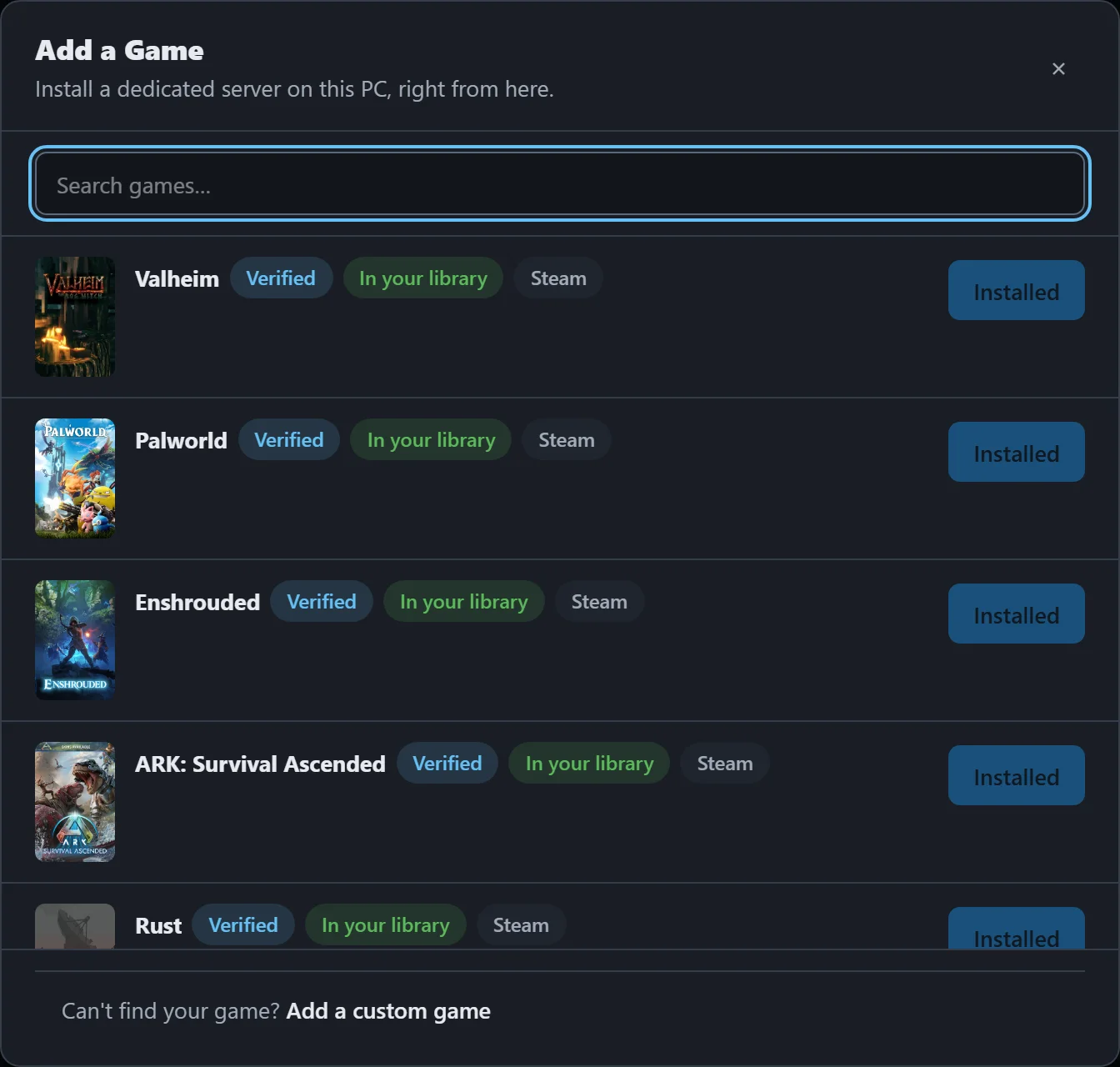
Vaerune ships with a catalog of 200+ games. Type a name in the search box and matching entries appear instantly. The popular ones are boot-verified end to end, meaning Vaerune has confirmed the full loop: install, configure, start, reach. The rest install and configure correctly but have not been live-tested in that environment.
Select a game and Vaerune locates or installs the dedicated server binary via SteamCMD, then writes a default config that will actually start on first try.
Steam app ID
Any game with a SteamCMD-compatible dedicated server can be added by its Steam app ID, even if it is not in the catalog yet. Find the ID on the game's Steam store page (it is in the URL) or look it up on SteamDB. Paste it into the app ID field and Vaerune pulls the server binary the same way it would for a catalog entry.
Custom game profile
For games that do not use SteamCMD, or for a self-hosted binary you already have on disk, you can define a custom game profile. Point Vaerune at the executable and tell it which port to probe for reachability. Vaerune manages the process, config, backups, and status the same way it does for catalog entries.
What Vaerune writes for you
After a game is added, Vaerune writes a working default config file (server.properties, GameUserSettings.ini, or the equivalent for the game in question), sets the bind address, port, and max players to sane values, and registers the server with Odin so it restarts after crashes. You can edit any of these settings from the Server settings tab at any time.