Console, logs and files
Vaerune is the console. No separate terminal, no remote desktop, no hunting through file explorer.
In-app console
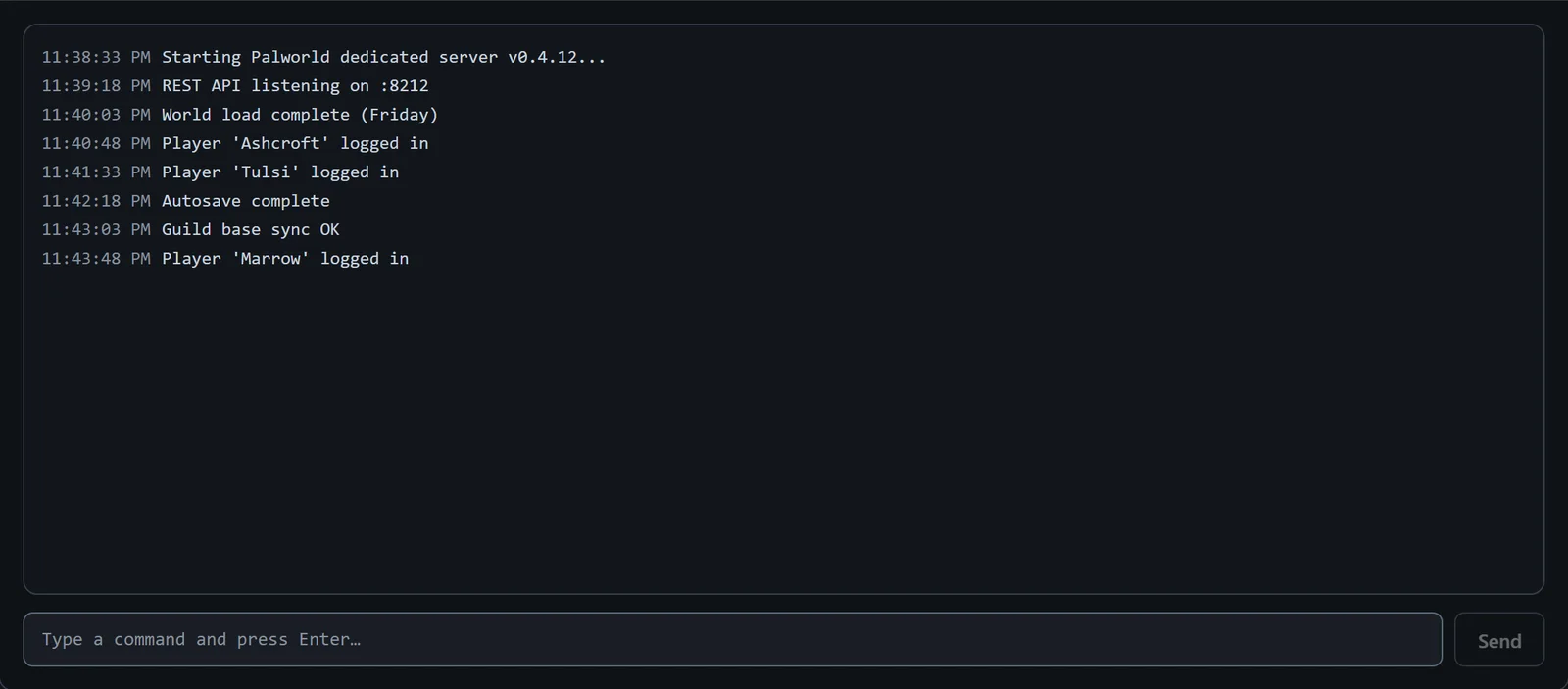
The Console tab shows the server's standard output in real time, exactly as the game prints it. Type a command in the input at the bottom and press Enter to send it to the server process. Vaerune is the console: you do not need a separate terminal window or a remote desktop session to interact with the server.
The console scrolls automatically while output is live. Click any line to pause auto-scroll so you can read a specific block without it moving. Click again to resume.
Event log
The event log records timestamped entries for every significant state change: server started, server stopped, crash detected, Odin restart triggered, update applied, backup created, and reachability changes. It is the first place to look when something went wrong while you were away, because it records what happened and when, not just the current state.
File manager
The file manager lets you browse the server's directory from Vaerune's interface. Open any file in a built-in text editor, upload a replacement, or delete files you no longer need. This is useful for editing world configs, adding custom content, or copying log files off the server without opening File Explorer and navigating to the install path.